



Establishing a robust online presence is essential in the modern digital landscape. Conducting a technical SEO audit is a powerful strategy to make sure your website functions optimally for users and search engines alike. If you’re planning to tackle the audit independently or thinking about consulting an SEO expert in Ahmedabad, this comprehensive guide will lead you through every important step of the technical SEO audit process.
What is a Technical SEO Audit?
A technical SEO audit thoroughly examines your website’s backend infrastructure to uncover and fix problems that may hinder its visibility in search results. Unlike on-page SEO, which emphasizes content and layout, and off-page SEO, which is about building authority through backlinks, technical SEO is dedicated to making your site easy to access, safe, and fully compatible with search engine requirements.
Carrying out a technical SEO audit boosts your website’s discoverability, enhances the user journey, and elevates your ranking potential. This process makes certain that search engine bots can properly index your pages, your site loads efficiently, and visitors enjoy seamless navigation without obstacles.
Why is a Technical SEO Audit Important?
An effective technical SEO audit uncovers underlying issues that could impact your website’s performance, allowing you to address them before they escalate. Regular audits are vital for several reasons:
- Better Crawlability and Indexing: Ensuring search engines can access and interpret all your important pages means they’re more likely to rank higher.
- Enhanced User Experience: Optimizing speed and security leads to higher user satisfaction and reduces bounce rates.
- Improved Site Efficiency: Addressing technical flaws keeps your website running smoothly and positively influences your SEO rankings.
- Avoidance of Search Engine Penalties: Routine audits help prevent problems like duplicate content or broken links, protecting your site from potential penalties.
Next, we’ll explore the main focus areas when conducting a technical SEO audit.
Key Areas to Focus on During a Technical SEO Audit
1. Site Crawlability and Indexability
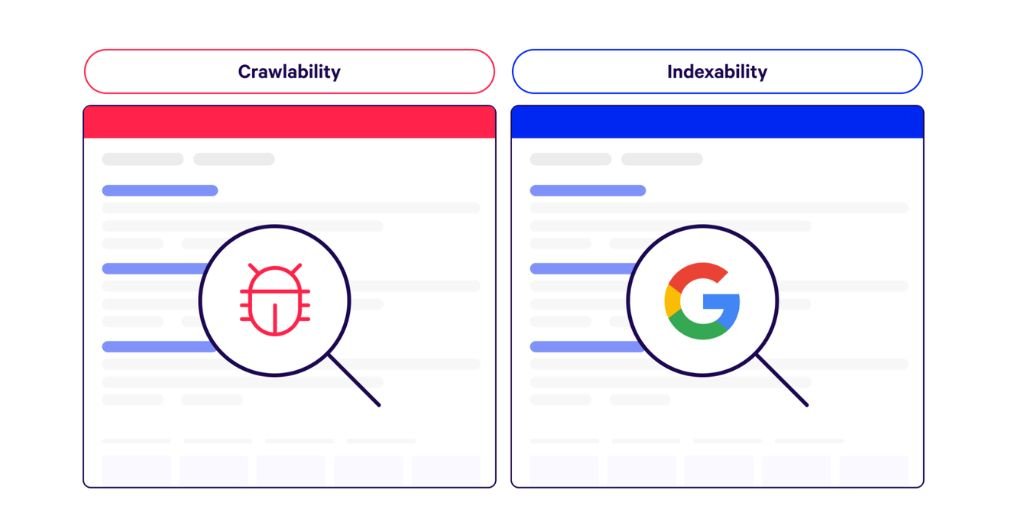
It’s essential that search engines can easily crawl and index your website. If search engines like Google cannot reach your pages, those pages have no chance of appearing in search rankings.
What to Do:
- Leverage platforms such as Google Search Console or Screaming Frog to identify and resolve crawl errors.
- Verify that your crucial pages are not accidentally blocked by robots.txt files or marked with noindex tags.
- Look for and eliminate any duplicate content that could cause confusion for search engines.
2. Website Speed and Performance
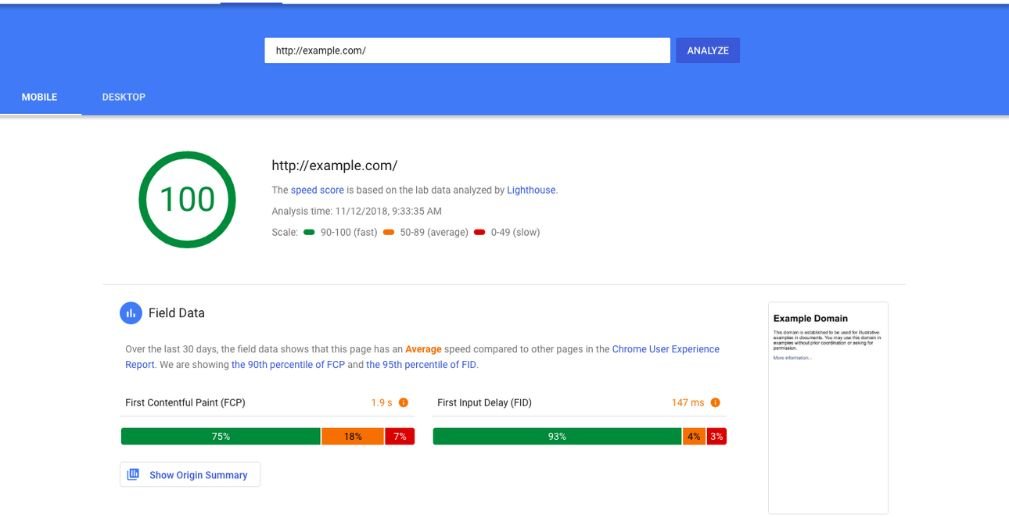
The speed at which your site loads is vital for both SEO rankings and user satisfaction. Websites that load slowly are more likely to lose rankings and drive away potential visitors
What to Do:
- Utilize platforms such as Google PageSpeed Insights and GTmetrix to analyze your website’s loading times.
- Optimize images, reduce the size of CSS and JavaScript files, and implement a content delivery network (CDN) to accelerate page loading.
- Ensure your web hosting solution is configured for optimal speed.
3. Mobile-Friendliness
As mobile-first indexing is now standard, making your website mobile-friendly is absolutely essential. Google evaluates and ranks your site mainly based on its mobile version.
What to Do:
- Run your website through Google’s Mobile-Friendly Test to verify its usability on smartphones and tablets.
- Make sure your website is fully responsive and displays properly across all device sizes.
- Steer clear of using Flash or any legacy technologies that modern mobile devices do not support.
4. Secure Website (HTTPS)
Since 2014, Google has recognized HTTPS as a ranking factor. Sites lacking this secure protocol may struggle to achieve top rankings compared to those that are fully secured.
What to Do:
- Confirm that your website has an active SSL certificate implemented.
- Update any internal links, external links, and resources to use HTTPS.
- Identify and resolve mixed content problems, ensuring all site elements are delivered via HTTPS rather than HTTP.
5. URL Structure and Sitemaps
A well-organized and straightforward URL structure enables search engines to interpret your website’s hierarchy more efficiently. Sitemaps are equally important, as they guide search engines to the most important pages for crawling and indexing.
What to Do:
- Craft URLs that are concise, meaningful, and incorporate target keywords.
- Submit your sitemap through Google Search Console to assist with indexing.
- Keep your sitemap current so it accurately represents your site’s latest content and structure.
6. Internal Linking and Site Architecture
Internal links guide search engines through your website and help distribute authority across your pages. Clear site architecture makes content easy to find for both users and search engines, supporting better ranking and user engagement.
What to Do:
- Design a clear website hierarchy with intuitive navigation menus.
- Link relevant pages within your site to enhance SEO and support easy content discovery.
- Utilize meaningful anchor text to ensure links are relevant and informative for users and search engines.
7. 404 Errors and Redirects
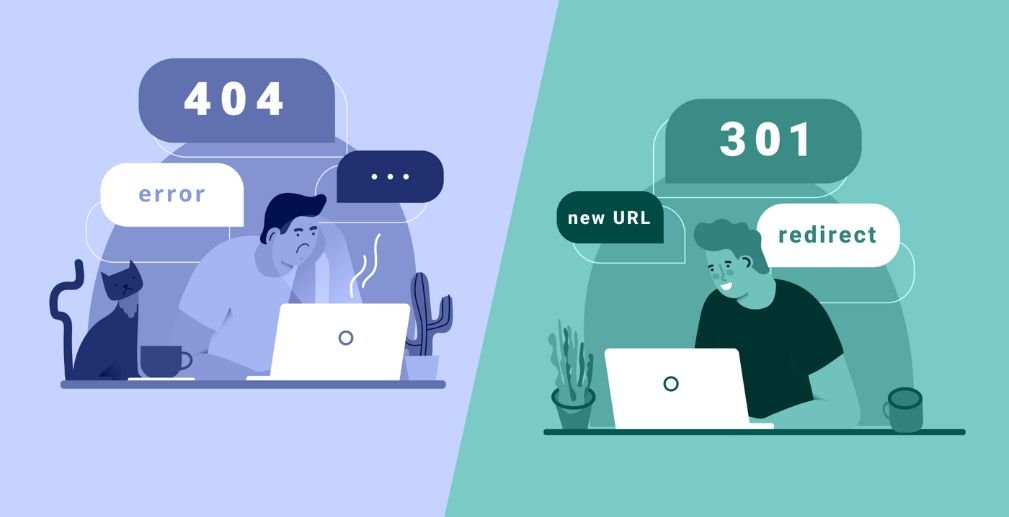
Broken links and 404 error pages negatively impact both user experience and search engine optimization. Setting up appropriate redirects is crucial for preserving link equity when you update, move, or remove pages.
What to Do:
- Leverage tools like Google Search Console or Screaming Frog to detect 404 errors on your website.
- Implement 301 redirects for any pages that have been deleted or relocated to maintain site integrity.
- Routinely audit your website for broken links and resolve them promptly.
8. Schema Markup
Structured data, such as schema markup, provides search engines with detailed context about your website’s content. By using schema, you increase the chances of earning rich snippets, which can make your site stand out in search engine results pages.
What to Do:
- Implement schema markup on key areas of your site, including product listings, articles, and customer reviews.
- Test your schema markup implementation with tools like Google’s Structured Data Testing Tool to ensure proper setup.
Tools You Need for a Technical SEO Audit
To perform a thorough technical SEO audit, having the proper tools at your disposal is crucial. Below are some indispensable resources you should consider:
- Google Search Console: Useful for identifying crawl issues, monitoring index status, and gaining valuable site insights.
- Screaming Frog: Excellent for conducting in-depth scans to find broken links, duplicates, and other technical problems.
- Ahrefs, SEMrush, Moz: Comprehensive platforms that assist with backlink analysis, tracking keyword rankings, and evaluating overall site health.
- Google Analytics: Essential for tracking website traffic, user behavior, and measuring overall site performance.
- GTmetrix: A valuable tool for analyzing and optimizing your website’s loading speed.
Common Technical SEO Issues to Look For
When conducting an SEO audit, be on the lookout for these frequent technical pitfalls:
- Duplicate Content: Having identical or very similar content across multiple pages can lead to search engine penalties. Always strive for unique copy on every page.
- Slow Loading Times: Enhance your website’s speed by compressing images, streamlining code, and reducing file sizes wherever possible.
- Missing or Incorrect Tags: Double-check that your meta titles, meta descriptions, and header tags are present and accurately configured.
- JavaScript Rendering: Make certain that search engines are able to access and interpret all of your website’s JavaScript-driven content.
- URL Issues: Keep URLs short, avoid unnecessary parameters or session IDs, and ensure they remain clear for both users and search engines.
How to Prioritize Issues Found During the Audit
After uncovering technical issues in your audit, rank them according to their influence on your site’s SEO performance. Address high-impact problems—such as crawlability, loading speed, and mobile compatibility—before moving on to moderate or minor concerns. This approach ensures you make the most significant improvements first.
When to Hire an SEO Expert Ahmedabad
Although you can conduct an SEO audit yourself, bringing in an SEO expert in Ahmedabad can save you valuable time and deliver a more in-depth analysis. These professionals possess the expertise needed to uncover complicated issues and apply effective solutions.
Additionally, an experienced SEO specialist can create a tailored strategy for your website using audit findings, making sure it excels technically while supporting your broader business objectives.
Conclusion
Conducting a technical SEO audit is vital for boosting your site’s visibility in search results. Prioritizing elements such as crawlability, loading speed, mobile responsiveness, and security will help optimize your site for both users and search engines alike.Whether you decide to perform the audit independently or enlist an SEO expert in Ahmedabad for expert help, consistent technical SEO reviews are key to maintaining a top-performing, search-friendly website. Begin your audit journey now to keep your site competitive in today’s dynamic digital world.